Plans
What you get
Full package access for Windows 10 / 11. There is one product here, not a tiered range where the useful features sit behind a higher price.
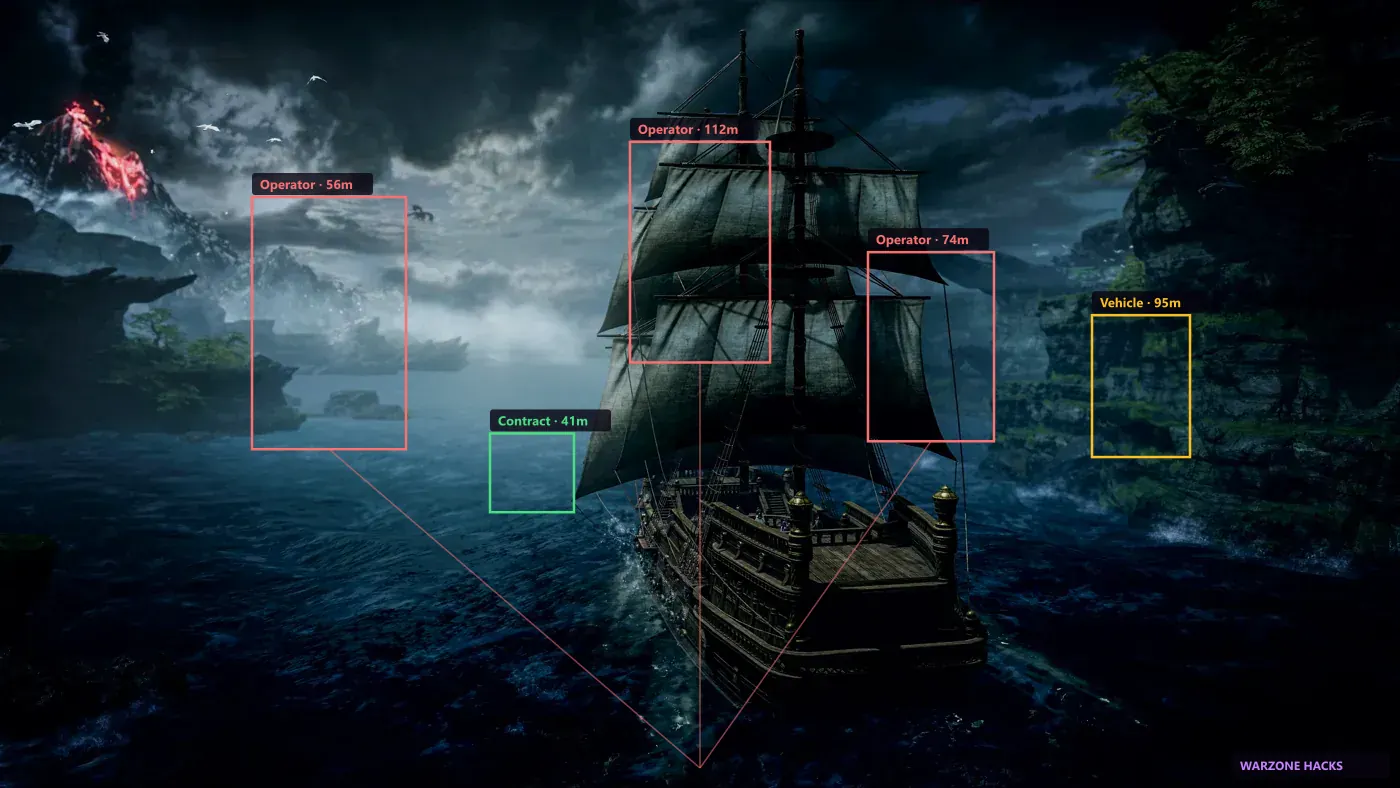
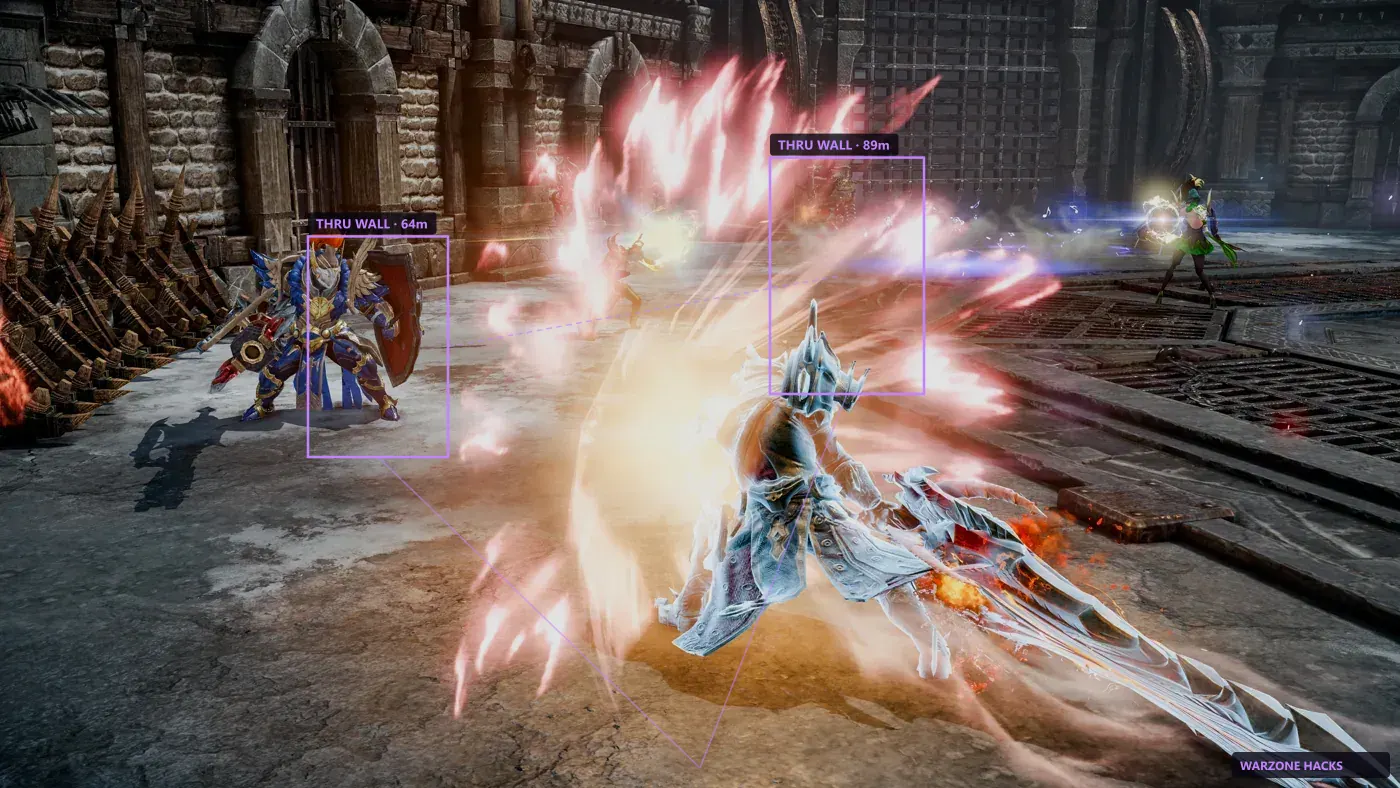
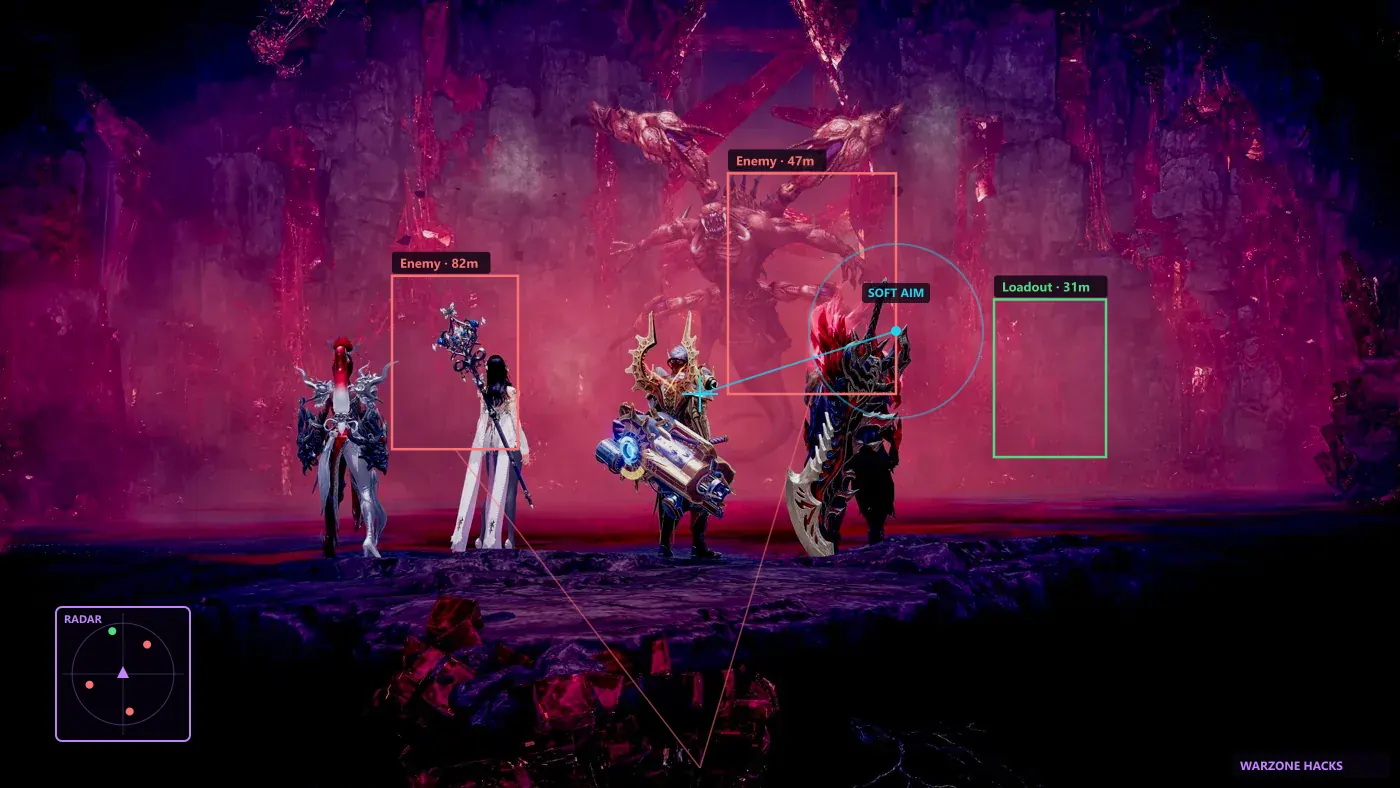
Same ESP, soft aim, and radar on monthly and lifetime plans. The only difference between the two plans is how long the licence stays valid — the feature set, the rebuild schedule, and the support queue are identical.
If you want to read what each module actually does before paying, the full feature list covers all of it.
- ESP, aimbot, and radar in a single licence
- Patch rebuilds for as long as the licence is active
- Digital delivery by email after checkout
- No hardware lock — reinstall on a new PC when you need to
Plans
Pick monthly to try first, or lifetime for one payment. Most people should start monthly. It costs less up front and tells you whether the product fits how you actually play before you commit.
Both plans unlock the same features after checkout. Lifetime works out cheaper if you play consistently for more than a few months, and it keeps receiving rebuilds indefinitely rather than for a fixed window.
- Monthly — 30 days from activation
- Lifetime — one payment, no renewal
- Instant licence key by email
- Upgrade from monthly to lifetime at any point
How payment and delivery work
Checkout is handled by our payment processor, so card details never touch our servers. Once payment clears, the licence key is generated and emailed automatically — usually within a minute.
Keep that email. It contains both your key and your order ID, and support will ask for the order ID before making changes to a licence. If the email has not arrived after a few minutes, check your spam folder before contacting us.
After the key arrives, work through the installation guide once. It takes about five minutes and covers the two or three settings people usually get wrong on a first install.
- Card details handled by the payment processor, not by us
- Licence key delivered automatically by email
- Order ID included for support requests
Renewals and expiry
A monthly licence runs for 30 days from activation, not from purchase. If you buy and activate a week later, the clock starts at activation. Nothing renews automatically — there is no stored subscription, so a monthly licence simply stops working at the end of its term until you buy another.
When a licence expires the loader stops authenticating and the overlay will not load. Your settings and profiles stay on disk, so buying again picks up where you left off rather than starting from defaults.
A lifetime licence has no expiry and keeps receiving rebuilds. If you started monthly and want to switch, contact support with your order ID before your current term ends and the remaining days are taken into account.
- Monthly term starts at activation, not purchase
- No auto-renewal and no stored card
- Settings survive an expiry and a repurchase
- Monthly to lifetime upgrades credit unused days
Before you buy
Read the refund policy if you need it. Digital licences have limits on refunds once the key has been used, so it is worth understanding the terms before checkout rather than after.
Check the status page too. If a rebuild is in progress after a recent patch, you may prefer to buy once the build is back online. Contact support with your order ID for help with anything else.