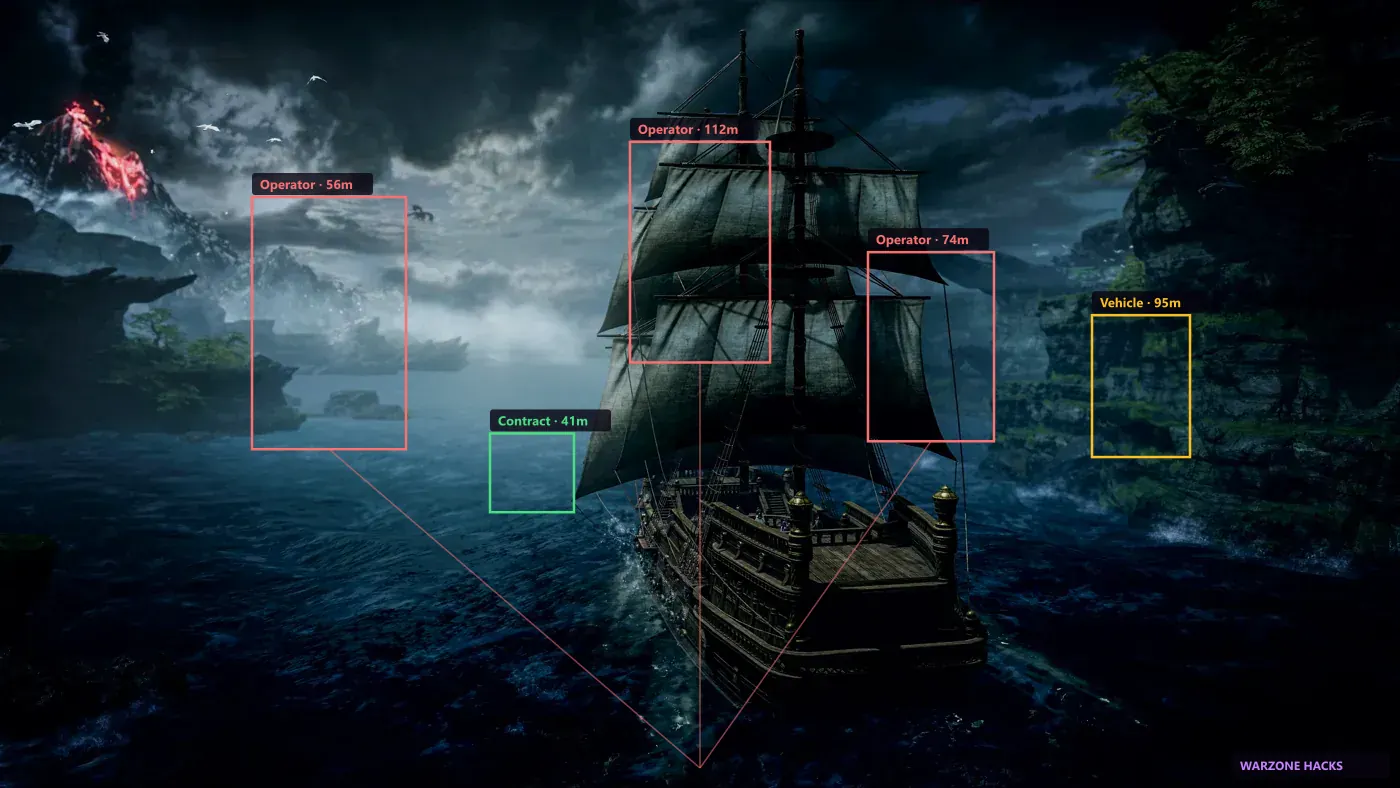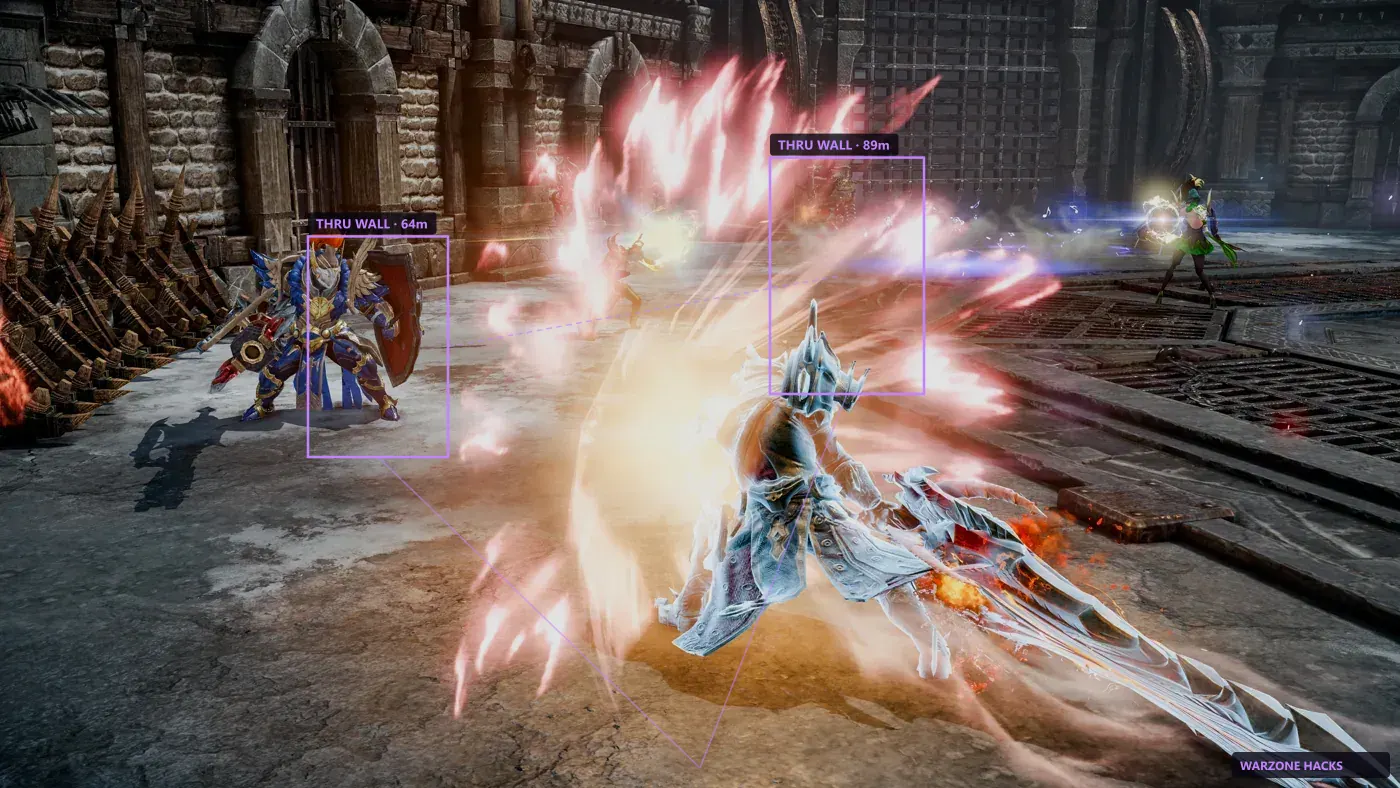
What it shows
Nearby enemy cues with adjustable range, useful in open-world zones and while running Una’s Tasks. The radar draws a simple top-down view in a corner of the screen with dots for anything it is tracking.
It is deliberately low-detail. You get direction and rough distance, not identity or health. That is enough to tell you something is approaching from behind while you are locked in an animation, which is the situation it exists to solve.
- Flank and off-screen approach awareness
- Dungeon portal and objective direction
- Adjustable range and radar scale
- Corner placement you can move or hide
Range and placement
Range decides how much of the map the radar covers. A short range gives you a detailed picture of your immediate surroundings; a long range shows more but compresses everything toward the centre until the dots stop being useful.
For Chaos Dungeons a short range is generally better, because everything relevant is close. For open-world zones and contested areas a longer range gives you more warning. Placement is a personal preference, but keep it away from your skill bar and cooldown indicators — an overlay that covers information you need is a net loss.
- Short range for dungeons and enclosed content
- Longer range for open-world awareness
- Scale and opacity adjustable independently
Reading the radar quickly
The radar is only useful if you can read it without stopping to think. That means keeping it small, keeping it in the same place every session, and getting used to checking it at natural pauses — after a pull finishes, while a cooldown runs, between rooms.
People who get value from it glance at it constantly and briefly. People who do not tend to either forget it exists or stare at it and miss what is happening on screen. If you find yourself doing the second, make it smaller rather than turning it off.
It is also worth knowing what the radar cannot tell you. A dot has no health bar, no class, and no gear score. For anything requiring that level of detail you want the overlay instead.
- Keep it small and always in the same corner
- Glance during cooldowns, not during mechanics
- No identity or health information — that is what ESP is for
Where the radar earns its place
The radar matters most in situations where the camera is the limitation rather than the walls. Lost Ark uses a fixed isometric view, so anything approaching from beyond the camera edge is invisible regardless of line of sight — and that is precisely the gap a top-down radar fills.
In practice that means open-world zones, world-boss gatherings, and any contested area where other players move around you. It matters far less in a linear dungeon corridor, where everything relevant is already on screen and the overlay is doing the useful work.
If you mostly run Chaos Dungeons solo, you can leave the radar off entirely without missing much. If you spend time in shared open-world content, it is the module you will notice most.
- Fills the gap left by the fixed isometric camera
- Most useful in open-world and contested areas
- Least useful in linear solo dungeon runs
With ESP
Use radar for threats you cannot see yet. Use ESP when you push. The two are complementary rather than alternatives, and most people leave both running with the radar small and the overlay filtered.
The practical division is that the radar answers "is something coming" and the ESP overlay answers "what exactly is there and how far". Running only one leaves a gap.